
The resources below will help you get comfortable with the platform and complete the required administrator tasks before inviting your end users to LexOne.
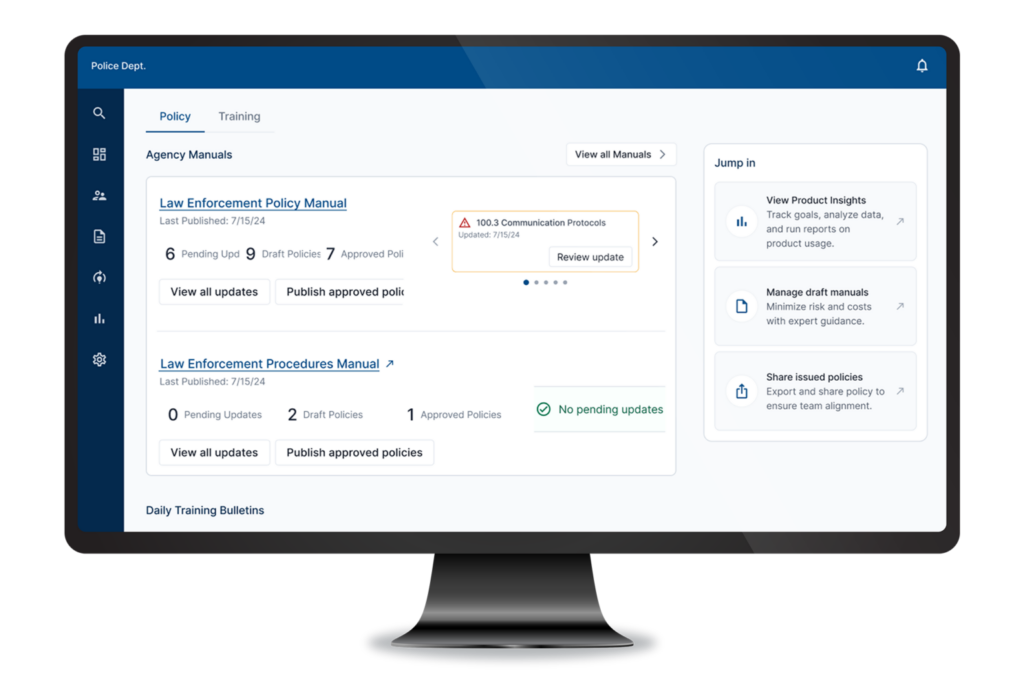
Before your agency begins using LexOne, you’ll need to review administrator roles, confirm users are assigned to the appropriate groups, and verify the correct access levels.
Don’t skip this: Groups determine who can access policy manuals in LexOne. Users who aren’t assigned to the appropriate group won’t be able to access policy manuals or receive policy assignments.
Download the Guide: Configuring Groups and Policy Access in LexOne
Review the default acknowledgment settings for each draft manual, including who receives policy assignments, how users are notified, and when acknowledgments are due.
Why this matters: These settings determine who receives policy acknowledgment assignments; whether users are notified via email, text, or both; and how many days personnel will have to acknowledge new policies and updates.
Download the Guide: Configuring Default Policy Acknowledgment Settings in LexOne
Confirm your default agency information is accurate and up to date, including rank structure, terminology, and other agency-specific details.
Why this matters: Your GIQ responses populate information throughout your policy manuals. Reviewing them helps keep your manuals accurate and current.
Download the Guide: Reviewing Your General Information Questionnaire (GIQ) in LexOne
Join our experts for a live webinar covering the key administrator tasks to help your agency start working in LexOne. Ask questions, see common workflows, and learn practical tips from the Lexipol team.
Once you’ve completed the administrator setup tasks above, share the End User Guide with your users. It includes everything they need to:
Can’t find what you’re looking for? Browse additional resources in our Help Center or contact our team for assistance.